
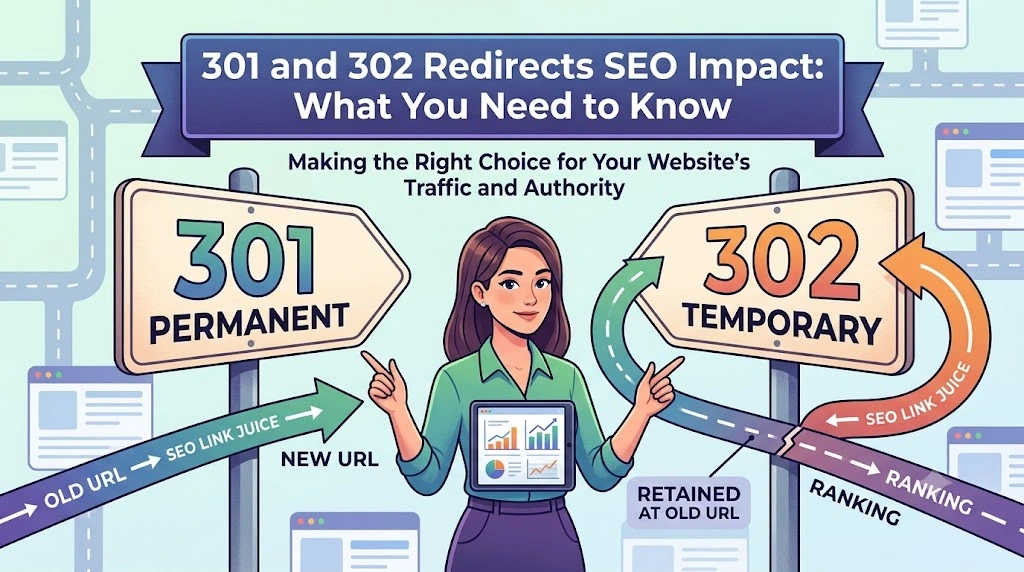
Understanding the 301 and 302 redirect SEO impact is important for anyone managing a website. Redirects help send visitors and search engines from one web address to another. But using the wrong type of redirect, or using them incorrectly, can hurt your rankings and confuse both users and search engines.
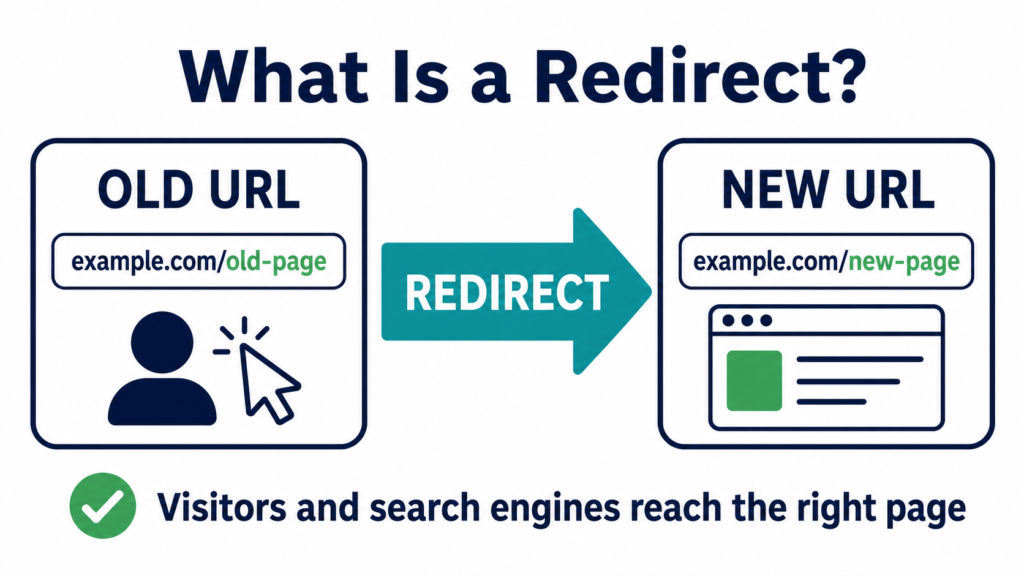
This guide explains what 301 and 302 redirects are, how each one affects your SEO, and when to use each type. Everything here is written in simple terms, so you don’t need to be a developer to understand it.
For a deeper look at redirects overall, including more detailed examples and setup steps, check out our complete guide to redirects and SEO.
Here’s everything covered in this guide. Jump straight to what you need:
- What Is a 301 Redirect?
- What Is a 302 Redirect?
- 301 vs 302 Redirect: The Main Difference
- How 301 Redirects Affect SEO
- How Does a 302 Redirect Affect SEO?
- When Should You Use a 301 Redirect?
- When Should You Use a 302 Redirect?
- Common Mistakes to Avoid With Redirects
- How to Set Up a Redirect
- Why Getting Redirects Right Matters for Your Whole Website
- Find and Fix Redirect Issues
What Is a 301 Redirect?
A 301 redirect is a signal that tells browsers and search engines a page has moved permanently. If someone tries to visit the old page, they get sent straight to the new page instead.
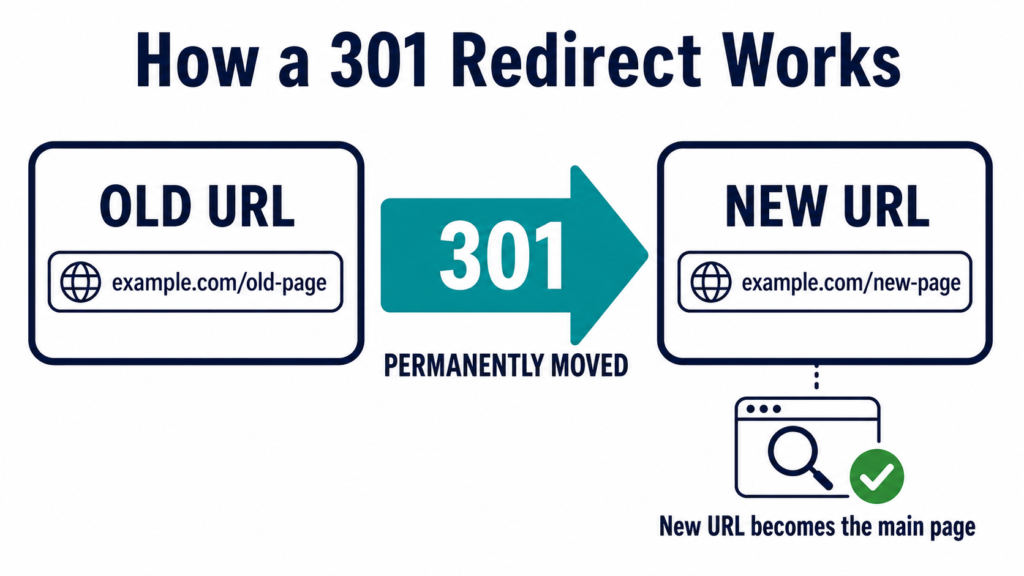
For example, if you delete an old page and replace it with a new one, a 301 redirect makes sure visitors and search engines land on the new page automatically. The old address stops working on its own, but the redirect fixes that.
How a 301 Redirect Works
When someone tries to visit an old page with a 301 redirect set up, the website server sends back a message saying “this page has moved permanently” along with the new address. The browser then loads the new page instead. This usually happens so fast that visitors don’t even notice it happened.
What Is a 302 Redirect?
A 302 redirect is different. It tells search engines that a page has moved temporarily, not permanently. The message here is simple: “this page is somewhere else right now, but it will come back.”
Because of this, search engines usually keep the original page in their index instead of replacing it with the new one. This matters a lot when you’re only making a short-term change and want to keep the original page’s value intact.
How a 302 Redirect Works
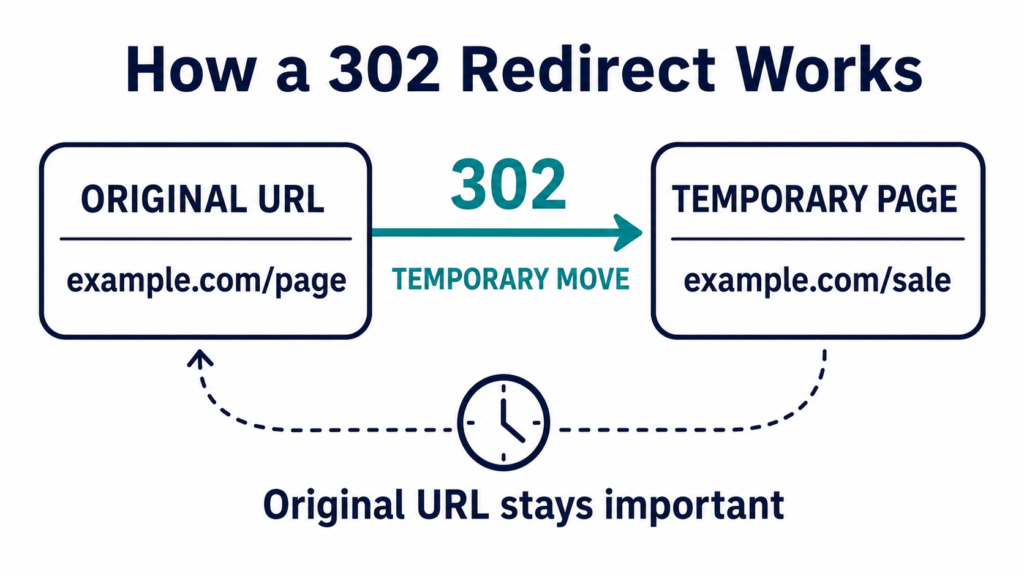
When someone visits a page with a 302 redirect, they get sent to a different page temporarily. But unlike a 301 redirect, the original page stays important in the eyes of search engines. Search engines expect that page to come back soon, so they don’t fully transfer its ranking power to the new page.
301 vs 302 Redirect: The Main Difference
The biggest difference between these two redirect types comes down to one word: permanence.
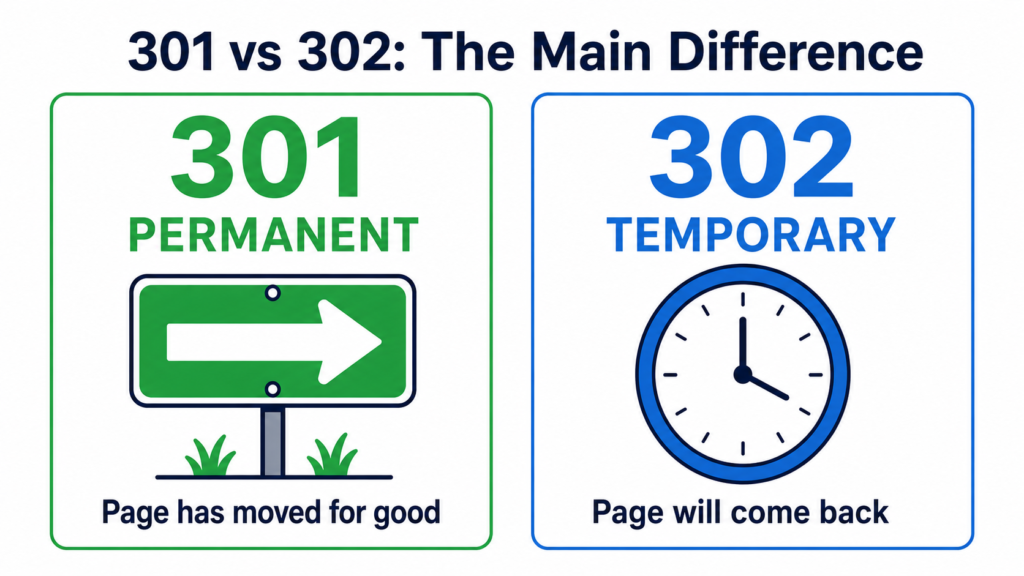
A 301 redirect means the move is permanent. Use this when a page is gone for good and won’t come back.
A 302 redirect means the move is temporary. Use this when you plan to bring the original page back later.
Choosing the wrong one can genuinely hurt your SEO. If you use a 301 redirect for something temporary, you might lose the original page’s ranking power without meaning to. If you use a 302 redirect for something permanent, search engines may keep showing the old page in search results instead of the new one, which confuses users.
How 301 Redirects Affect SEO
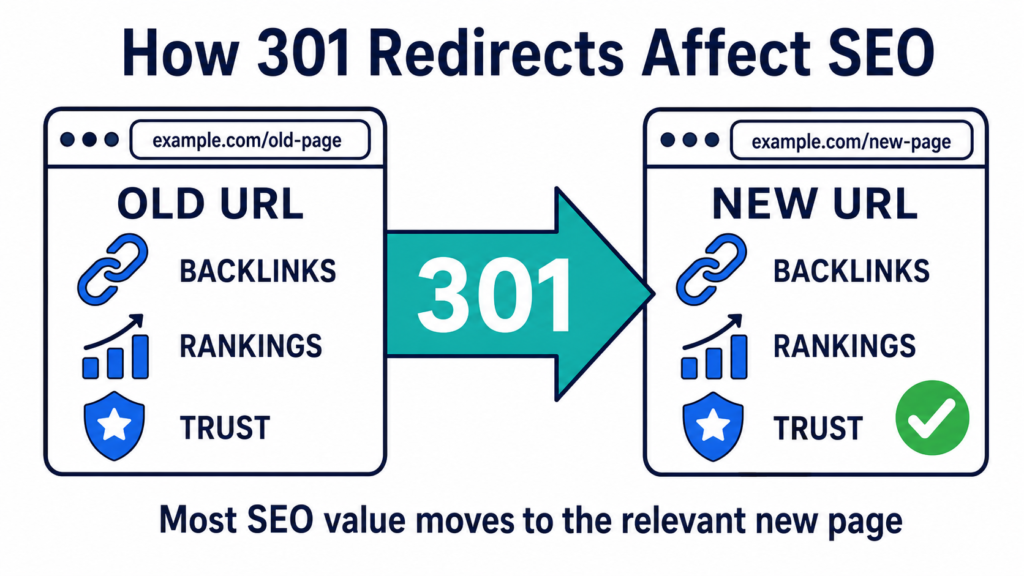
Using 301 redirects correctly usually doesn’t hurt your SEO. In most cases, search engines transfer almost all of the old page’s ranking power to the new page. This means the SEO value the old page built up through age, backlinks, and trust mostly carries over to the new address.
There are a few small things worth knowing, though:
Redirects can slightly slow down page speed. This effect is usually small and not something to worry about too much.
Search engines take time to notice redirects. After setting one up, it can take weeks or even months before you see any ranking changes. This is completely normal, so don’t panic if nothing changes right away.
301 redirects also help user experience. Visitors land on the correct, working page instead of hitting a dead link. This keeps people happy and engaged with your site, which is good for SEO overall.
How Does a 302 Redirect Affect SEO?
A lot of people ask specifically how a 302 redirect affects SEO, since it behaves differently from a 301 redirect.
it depends on how you use it.

When used correctly, for genuinely temporary changes, a 302 redirect protects your original page. Search engines keep recognizing the original URL as the important one, so you don’t lose its ranking value while your temporary page is live.
The problem happens when a 302 redirect gets left in place for too long. If a “temporary” redirect stays active for months or years, search engines may start treating it more like a permanent one. But you shouldn’t rely on search engines to figure this out on their own. If a change is actually permanent, switch it to a proper 301 redirect instead of leaving an old 302 redirect running indefinitely.
Using the wrong redirect type for too long can create mixed signals for search engines. This can lead to confusing indexing behavior, where search engines aren’t sure which page should actually be showing up in results.
When Should You Use a 301 Redirect?
Here are the most common situations where a 301 redirect is the right choice:
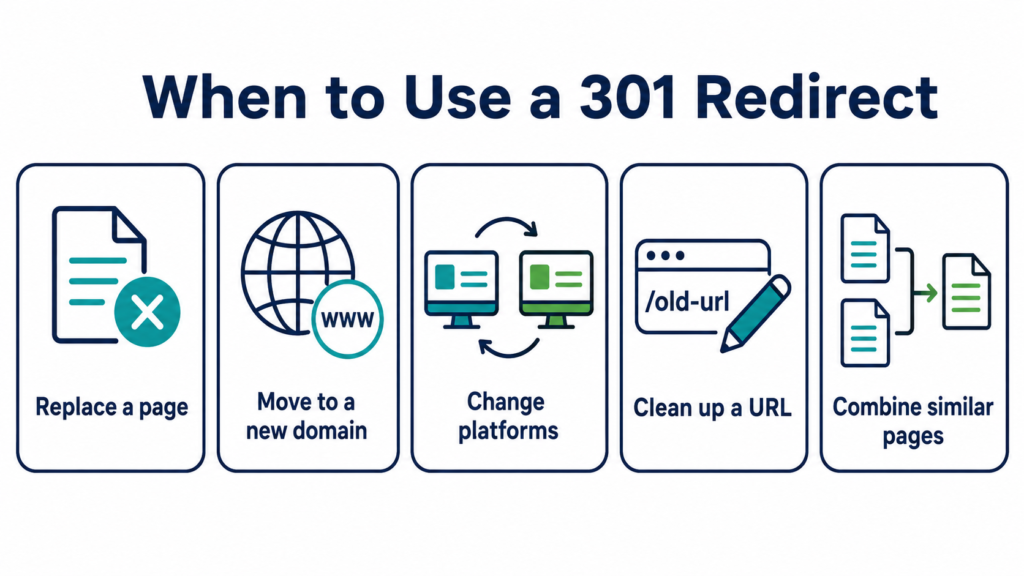
Deleting a page with a replacement. If you remove a page and have a similar page to send visitors to, use a 301 redirect. Just make sure the new page actually serves the same purpose. Don’t redirect an old blog post to your homepage, since that confuses both visitors and search engines.
Moving your website to a new domain. If you’re rebranding or switching domains, 301 redirects send visitors and search engines from your old domain to your new one.
Switching to a different website platform. Moving from one platform to another, like switching your online store software, usually changes your URL structure. 301 redirects keep everything connected properly.
Fixing or shortening a URL. If you clean up a messy or broken URL, a 301 redirect connects the old address to the new one.
Combining similar pages into one. If you have several pages covering the same topic, you can merge them into one strong page and redirect the old URLs to the new, combined page.
When Should You Use a 302 Redirect?
A 302 redirect fits situations where the change is short-term, and you plan to switch back later:
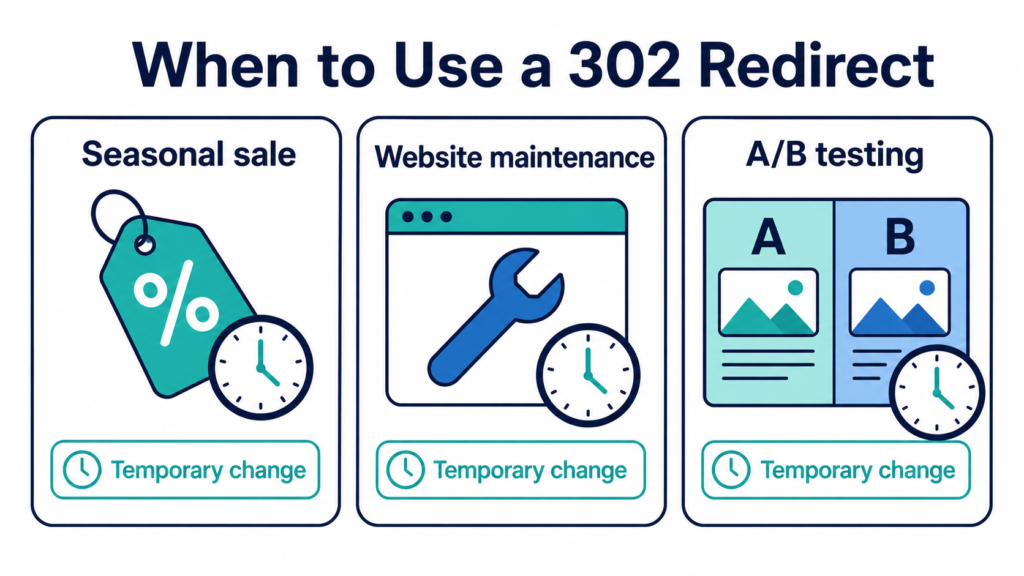
Seasonal sales or promotions. If you’re temporarily sending visitors to a special sale page before returning to your regular page, use a 302 redirect.
Website maintenance. While fixing or updating a page, you can temporarily redirect visitors elsewhere.
A/B testing. When testing two versions of a page against each other, use a 302 redirect instead of a 301. Using a 301 here can cause search engines to merge your test pages together, which ruins your test results.

Common Mistakes to Avoid With Redirects
Redirect chains. This happens when one redirect leads to another redirect, which leads to yet another one. For example, Page A redirects to Page B, which then redirects to Page C. This slows things down and can confuse search engines. Always redirect straight to the final destination page.
Redirect loops. This happens when Page A redirects to Page B, and Page B redirects back to Page A. This creates an endless loop that breaks the page entirely, usually showing a “too many redirects” error.
Leaving old internal links pointing to redirected pages. If your own website still has links pointing to the old, redirected page, update them to point directly to the new page instead. This keeps things clean and helps search engines crawl your site more efficiently.
Redirecting to the wrong page. Always redirect to a page that actually matches what the old page offered. Sending visitors somewhere unrelated is confusing and can hurt user trust.
Forgetting to remove old URLs from your sitemap. Your sitemap should only list the correct, current pages you want search engines to focus on.
How to Set Up a Redirect
The way you set up a redirect depends on what kind of website you have.
If you use WordPress, you can install a redirect plugin. These plugins let you type in the old URL and the new URL, then handle the technical part automatically.
If you use a different website platform, most platforms like Shopify, Wix, Squarespace, and Webflow have a built-in redirect tool inside their settings.
If you’re comfortable with code, redirects can also be set up directly through your website’s server files. This method is more technical, so it’s best left to a developer if you’re not confident doing it yourself.
Why Getting Redirects Right Matters for Your Whole Website
Redirects might seem like a small technical detail, but getting them wrong can quietly damage your search rankings over time. Broken redirect chains, mixed-up 301 and 302 usage, and forgotten old URLs all add up. These issues often go unnoticed until they’ve already caused real damage to your traffic.
This is exactly the kind of issue a full technical review can catch early. If you want to check your entire website for these kinds of hidden problems, our guide on how to complete a full onsite SEO audit walks you through the process step by step.
Find and Fix Redirect Issues
Redirect problems are easy to miss but costly to ignore. If you’re not sure whether your website has redirect chains, loops, or mismatched redirect types quietly working against you, it’s worth finding out before they cause bigger ranking problems.
You can start with a full SEO audit to uncover exactly what’s happening behind the scenes on your website. If your site has already lost rankings and you suspect redirect issues or other technical problems might be the cause, our SEO penalty removal service can help identify and fix the root issue properly.
For businesses that want ongoing help with technical details like this, our technical SEO services cover redirects and other backend issues as part of a complete strategy.
The Bottom Line
Redirects are a normal, necessary part of running a website. The key is knowing which type to use and when. A 301 redirect tells search engines a change is permanent. A 302 redirect tells them a change is temporary. Using the right one and avoiding common mistakes like redirect chains and loops keeps your website healthy and protects the rankings you’ve already worked hard to build.
Getting this right doesn’t require becoming a technical expert overnight. It just requires understanding the basics covered in this guide and knowing when to bring in help for the more complicated parts.