
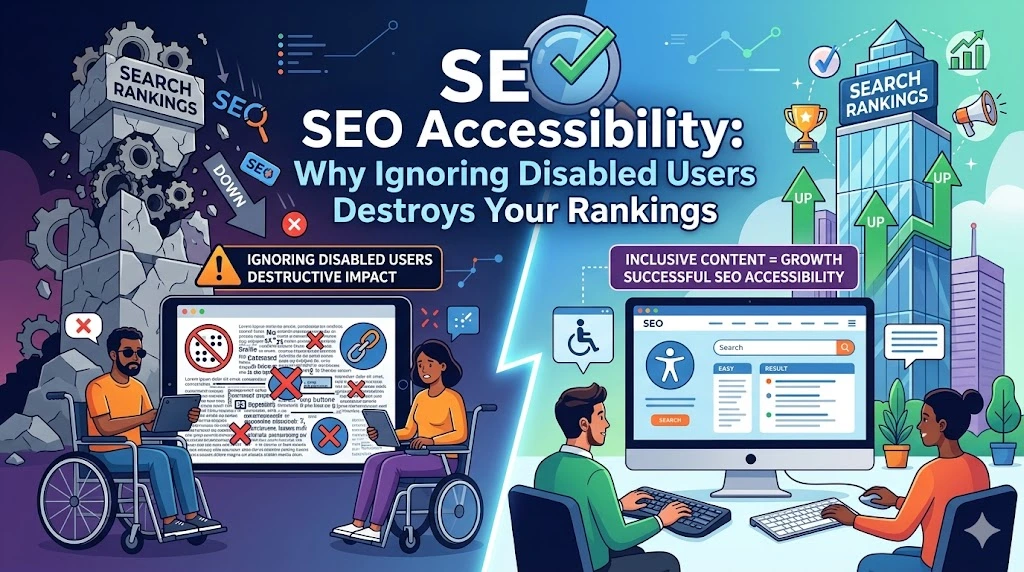
Your website is invisible to screen readers. Deaf visitors can’t access your video content. Users navigating by keyboard get stuck. Meanwhile, Google sees an inaccessible mess it struggles to crawl. Accessibility isn’t a moral obligation only. It’s an SEO necessity. Search engines increasingly reward sites built for human usability. Sites that work for disabled users rank better than sites that don’t.
This is SEO accessibility: the intersection of inclusive design and search visibility. Build for accessibility, and you simultaneously improve rankings while serving a market most competitors ignore.
Accessible Sites Rank Better (And Reach More People)
Google’s crawlers work like disabled users navigating your site. They can’t see images. They can’t watch videos. They can’t detect visual layout without semantic structure. When your site works for screen readers and keyboard-only navigation, it works for Google’s bots.
Sites with poor accessibility are harder to crawl, harder to understand, and harder to rank. Sites with strong accessibility are transparent to search engines and usable for the 15% of people with disabilities. A massive untapped audience that most businesses ignore.
Building for accessibility literally improves your SEO while expanding your addressable market.
The Core Accessibility Elements That Boost Rankings
Semantic HTML forms the foundation. Using proper tags like <header>, <nav>, <main>, and <article> instead of generic divs creates a logical structure that search engines understand. Screen readers jump between sections using semantic tags. Google crawlers understand context through proper HTML. Generic divs hide the structure from both.
Descriptive headings establish hierarchy
One unique <h1> for your main topic, properly nested <h2> and <h3> tags. This signals importance to search engines and helps screen readers navigate sections. Flat heading structures fail both accessibility and SEO. Proper heading hierarchy tells Google and users what matters.
Image alt text serves two audiences simultaneously
Visually impaired users learn what images show. Search crawlers get context for indexing. Every informative image needs descriptive alt text explaining its relevance. “Image” or “picture” tells nobody anything. “Customer using our software at desk with laptop open” tells search engines the image relates to real-world usage and tells visually impaired users what they’re missing.
Transcripts and captions unlock audio and video content
Podcasts and videos rank poorly without text because crawlers can’t process audio. Transcripts make podcast episodes crawlable by search engines and accessible to deaf users. Closed captions do the same for videos. This isn’t busywork. It’s the difference between searchable, inaccessible content and discoverable, inclusive content.
Keyboard navigation ensures accessibility and crawlability
Search bots crawl sites linearly using tab sequences, much like users navigating keyboard-only. If your site breaks keyboard navigation, it breaks bot navigation. Testing whether your entire site works tabbing through with keyboard only reveals crawlability issues simultaneously.
ARIA labels add functional text invisible visually
Icons without labels, dropdown menus without clear targets, dynamic content that appears without announcement. ARIA (Accessible Rich Internet Applications) tags add functional meaning so that search engines and assistive technologies can understand. An unlabeled icon is invisible to both crawlers and screen readers. ARIA labels make it visible to both.
The Business Case: Accessibility Expands Your Market
Accessibility isn’t altruism. It’s a business expansion. Disabled users represent significant economic spending power.
Building accessible sites costs slightly more upfront but compounds long-term: better rankings from search engines, faster growing visitor base from accessibility, improved user experience, reduced bounce rates, and increased conversions from friction-free navigation.
A properly accessible site works for:
- Blind and visually impaired users (screen readers, high contrast)
- Deaf and hard-of-hearing users (captions, transcripts)
- Motor disabilities (keyboard navigation, large click targets)
- Cognitive disabilities (clear language, consistent layout)
- Temporary disabilities (broken arm, eye surgery recovery)
- Situational disabilities (bright sunlight washing out the screen, noisy environment)
Each represents potential customers. Each improves when your site prioritises accessibility.
What to Do Now
Audit your site for accessibility using free tools. WAVE Browser Extension, Google Lighthouse, and Axe DevTools reveal accessibility failures automatically. Run each on your top 10 pages. Fix obvious issues: missing alt text, broken heading structure, poor color contrast, and unlabeled form fields.
Implement semantic HTML across templates. If your site uses template-based design, updating the template fixes accessibility site-wide. Ensure proper heading hierarchy, semantic tags, and ARIA labels are built into templates from the start.
Add alt text to every image. Describe what the image shows and why it matters contextually. Make alt text specific, not “person” but “woman using accounting software at desk.”
Transcribe audio content. Every podcast episode and video should have a text transcript. This makes content searchable and accessible simultaneously.
Test keyboard navigation. Tab through your entire site using only a keyboard. Every interactive element should be reachable and operable. Any element unreachable by keyboard fails both accessibility and SEO.
Accessible sites rank better. Accessible sites serve more customers. Accessible sites make business sense. Build for accessibility and watch both your rankings and addressable market expand simultaneously.