


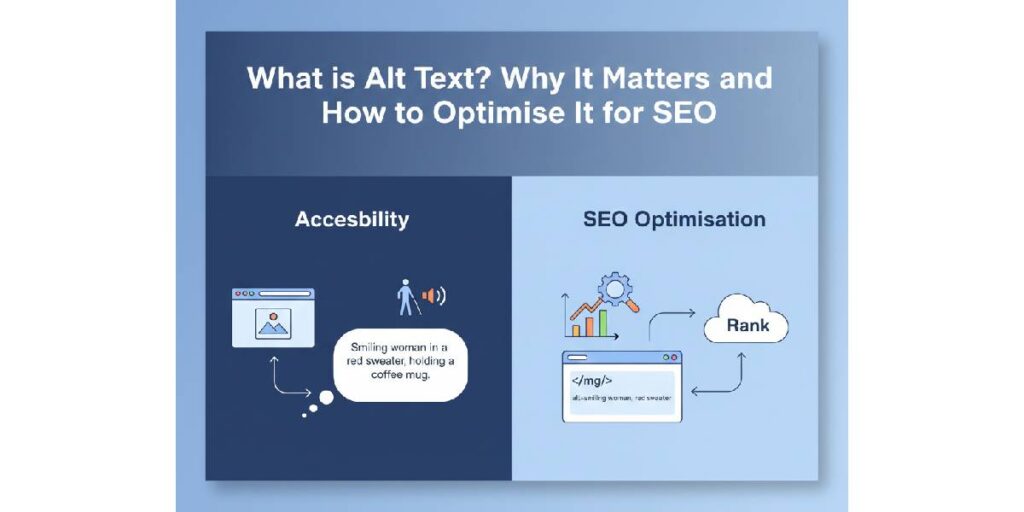
Alt text (short for alternative text) is a short written description of an image, embedded via the HTML alt attribute.
Alt text helps to identify an image on a webpage when the page and its content, including the image, aren’t loaded properly. Also, alt text is what screen readers read aloud if a user can’t see the image. For example, because of a visual impairment, a slow connection, or a broken image link.
More than just a fallback, alt text helps search engines “see” what the image is about. That makes it a small but powerful tool for both accessibility and SEO.
Let’s find out why it matters both for humans and search engines, and how to write it correctly
Importance of Alt Text: For People and For Search
Alt text is important for improving accessibility and user experience. At the same time, alt text has a significant contribution to your SEO performance and discoverability across the internet.
How?
Let’s take a closer look!
Accessibility and user experience
- For users with visual impairments or those relying on screen readers, alt text ensures images still “make sense”.
- If an image fails to load. Perhaps due to broken links or slow internet. Alt text gives context, avoiding blank spaces or confusing file names.
- It helps make your website more inclusive and compliant with accessibility standards such as the W3C’s guidelines.
If you skip alt text (or fill it with unhelpful or vague descriptions), you risk excluding a portion of your audience. A serious oversight for user experience and ethical web design.
SEO and discoverability
- Search engines can’t “see” images the way humans do. They rely on textual cues. Alt text among them. To understand what’s in the image. That means well-written alt text helps images get indexed properly.
- Optimised alt text boosts the chance your images show up in image search results. That can lead to additional traffic to your site, especially valuable for product pages, blogs, and galleries.
- It reinforces the relevance of your page content. When image descriptions align with your page’s topic, search engines get a clearer context around what your page is about.
Alt text isn’t a magic bullet. But done right. It’s a small optimisation that pays back in usability, inclusivity, and SEO value.
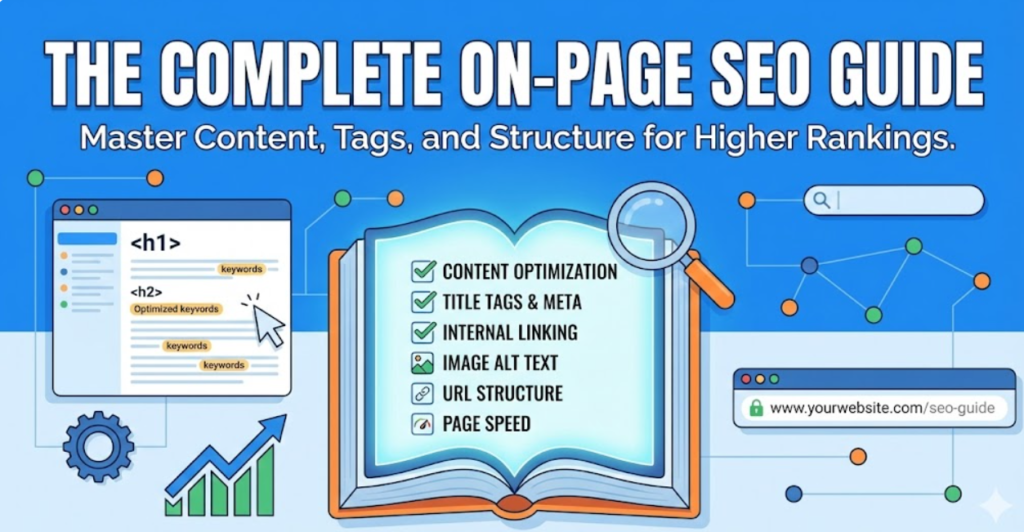
However, SEO works beyond images. To know what actually moves the needle and why keywords, content, and structure matter, check out our complete guide for understanding seo basics.
How to Write Alt Text that Works: 6 Best Practices
When you write alt text, your goal is simple:
- To describe the image clearly, concisely, and in a way that helps both people and search engines.
Here’s how:
1. Be Descriptive And Specific
Write what the image shows or does. For example, rather than “dog” write “Golden retriever puppy playing fetch in the park.”
2. Keep It Concise, Ideally Under 125 Characters
This ensures screen readers can deliver the description easily and users aren’t overwhelmed.
3. Use Relevant Keywords Naturally (If Appropriate)
If your page is about “vegan desserts,” and the image shows chocolate mousse, alt text like “chocolate avocado mousse in glass jar” helps support topical relevance.
But avoid stuffing keywords. If it feels forced or unnatural. It’s wrong.
4. Reflect Context And Purpose
Think: Why is the image here? What does it add to the page?
The alt text should match that purpose. If it’s a functional image (e.g., a “Buy now” button), describe its function. If it’s decorative, use an empty alt (alt=” “) to let screen readers skip it.
5. Avoid Redundant Or Unnecessary Words
Skip phrases like “image of” or “photo of”. Screen readers already know. Skip file names, credits, or anything shown elsewhere on the page.
6. Review And Audit Regularly
Over time, content changes; images get added or removed. Regular audits help catch missing or sub‑optimal alt text and improve as you go.
If you want a full SEO push that covers content, images, speed, and structure, our complete guide about omnichannel SEO shows how all parts of SEO should fit together. But, at the same time, you have to watch out for some mistakes when writing alt text for images on your website.
Artificial Intelligence (AI) and SEO-powered Alt Text
AI Isn’t Here to Steal Jobs. It’s Here to Make SEO Smarter
There’s no shortage of discussions online claiming AI is harmful and “taking our jobs.” Headlines scream about automation replacing humans, and some business owners worry that SEO, content, or design roles will disappear.
The reality is very different. When used the right way, AI actually improves, speeds up, and enhances your workflow. It doesn’t replace expertise; it amplifies it. AI can handle repetitive tasks, generate drafts, or suggest improvements, leaving humans to focus on strategy, creativity, and quality control.
How to Use AI to Generate Alt Text
Getting AI to suggest alt text is simpler than it sounds. Most tools allow you to upload an image and give a short prompt. Here’s how it works in practice:
Step 1: Upload your image
Most AI platforms let you drag and drop or select an image from your computer. For example, a product photo of your vegan chocolate cake.
Step 2: Give a simple, clear prompt
The key is to tell the AI exactly what you want. For instance:
- “Describe this image in 1–2 sentences for alt text that is SEO-friendly.”
- “Write an alt text for this image highlighting the dessert type, ingredients, and presentation.”
- “Generate three concise alt text options for this image suitable for a product page.”
Step 3: Review and refine
The AI will provide suggestions like:
- “Vegan chocolate cake topped with fresh strawberries on a white plate”
- “Slice of rich chocolate cake on a wooden board, vegan dessert”
- “Close-up of a chocolate mousse cake with chocolate shavings, vegan-friendly”
You can then tweak these to:
- Match your brand voice
- Add keywords naturally
- Ensure clarity and length for accessibility
Using AI this way helps your team:
- Save time: generate multiple alt text options in seconds.
- Maintain consistency: descriptive style, correct length, relevant keywords.
- Focus on strategy: humans review and refine, ensuring the text fits page context and SEO goals.
In short, AI is a tool, not a threat. When applied thoughtfully and responsibly, it strengthens SEO, improves accessibility, and helps you create better content faster, including the small but impactful details like alt text.
Common Alt Text Mistakes to Watch Out for
| Mistake | Why it hurts |
| Leaving alt text blank or missing | Screen readers and search engines get no useful context. Images become effectively invisible. |
| Keyword stuffing (e.g. “cheap red leather bag sale red leather bag”) | Makes alt text unreadable, harms user experience, and risks search penalties. |
| Using vague descriptions like “nice view”, “picture1”, “header image” | Provides no meaningful info. Fails both accessibility and SEO objectives. |
| Treating decorative images the same as meaningful ones | Leads to noise for screen readers; adds clutter with no benefit. |
| Writing long, overly detailed alt text | Makes screen readers slow; burdens user experience. |
Work with Cloudex Marketing’s SEO experts and make every alt text count. We handle it properly so you don’t have to worry about mistakes.
When Alt Text Isn’t Enough: What Else Matters
Alt text is part of the picture. But not the whole picture. Here are some other factors to bear in mind:
- If an image conveys complex data (e.g., a graph, infographic), sometimes you need a visible caption or supporting text. Alt text alone may not suffice.
- For sites targeting multiple languages or locales, alt text should match the language of the page. Otherwise, you risk confusing users or limiting reach.
- Accessibility isn’t just about alt text. Proper semantic HTML, logical structure, captions where needed, and overall UX also matter. Alt text helps. But it doesn’t replace a holistic accessibility approach.
Recall It Every Time To Write Good Alt Text
- Ask yourself: “What does this image add to the page?”
- Write a clear, specific, and short description.
- Avoid filler words (“image of…”, “photo of…”).
- Use relevant keywords naturally. Only if they make sense.
- If the image is decorative, use alt=” “.
- Review periodically. Run audits to spot missing or weak alt text.